v1.8.0 - Plan revisions, change history & project dependencies
New:
Analytics: save a project's plan as a named revision and compare any two revisions, or a revision against today, in the new Revisions tab (Pro and Enterprise).
Projects: every project has an Activity panel showing who changed what and when, and milestone, risk, and deliverable forms each have an Activity tab.
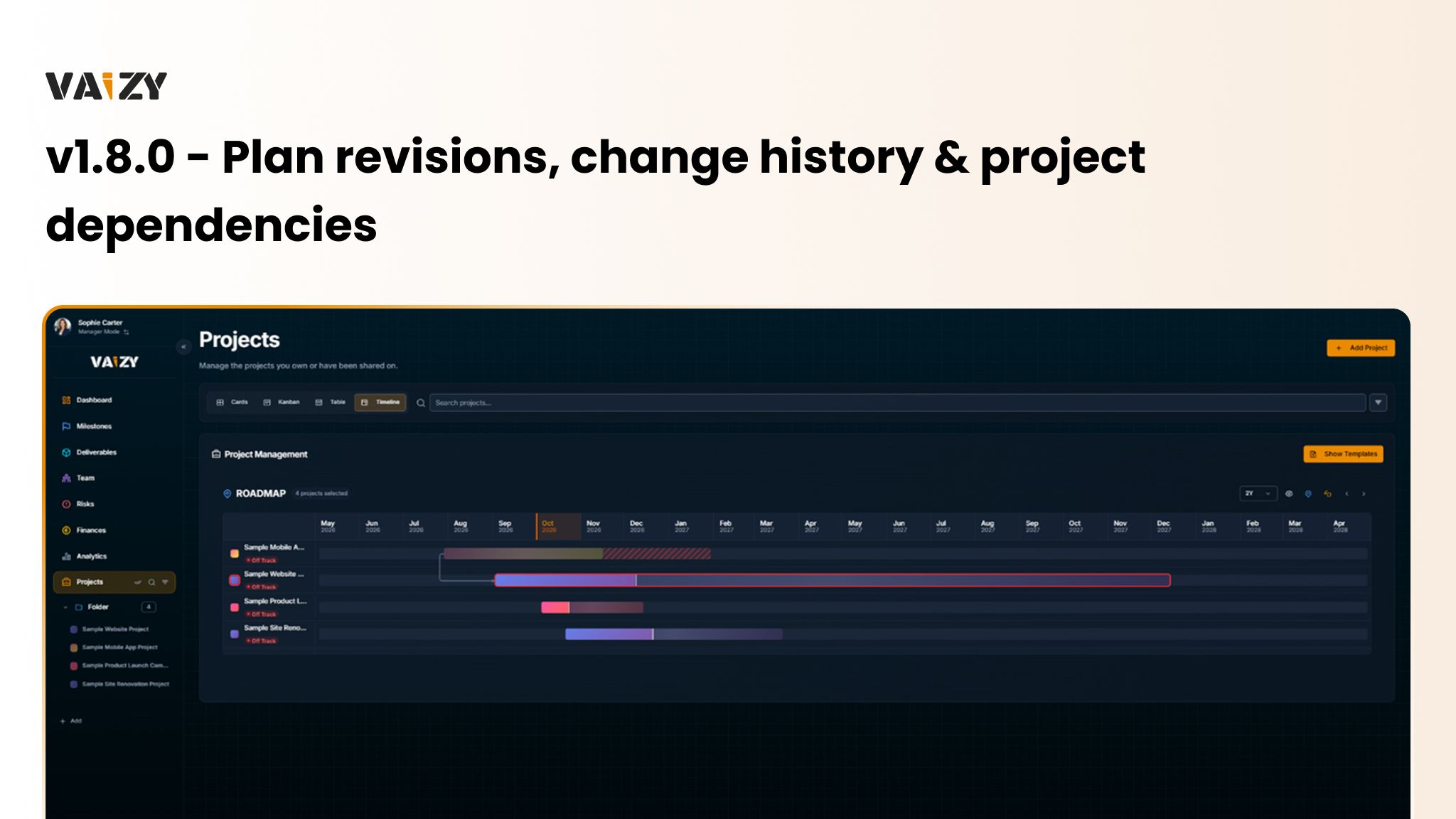
Projects: link projects with finish-to-start, start-to-start, finish-to-finish, or start-to-finish dependencies and lag, and see the critical path on the roadmap.
Projects: import Microsoft Project XML, CSV, and Excel files, including outline levels, predecessors, baselines, and resource assignments.
Projects: projects have a dedicated page, and workspace settings have moved into the workspace switcher.
Milestones: On Hold milestones are paused, and Cancelled milestones leave the plan, progress, and earned value.
Finances: record contractor invoices that replace the hours-based estimate for the months they cover, or convert an existing expense into one.
VaizyAI: ask what changed since the baseline, and get answers that take project dependencies into account.
Improved:
Finances: transactions have Team member and Invoice number columns, and the budget view shows invoiced and awaiting-invoice contractor cost.
Finances: automatic team cost rows show their team member and are read-only in the transaction form.
Security: the audit log now records ownership transfers, archiving, member changes, sharing changes, and staff billing actions, with email addresses masked.
Security: deleting an account that owns several workspaces lists every affected workspace and schedules them together.
Team: disabling a member also removes their workspace-wide access, and only the owner or an admin can disable an admin.
Team: Team Skills is now only available on Pro and Enterprise plans.
Settings: better layouts on mobile, visible keyboard focus on view toggles, and readable timeline labels in light and dark mode.
Fixed:
Team: workspace managers can create projects and manage their team members again after a workspace merge.
Team: view-only collaborators can no longer edit a project or change logged hours.
Billing: refunds and chargebacks now produce credit notes.