v0.7.0 - AI Risk Mitigation and color-coded badges
New:
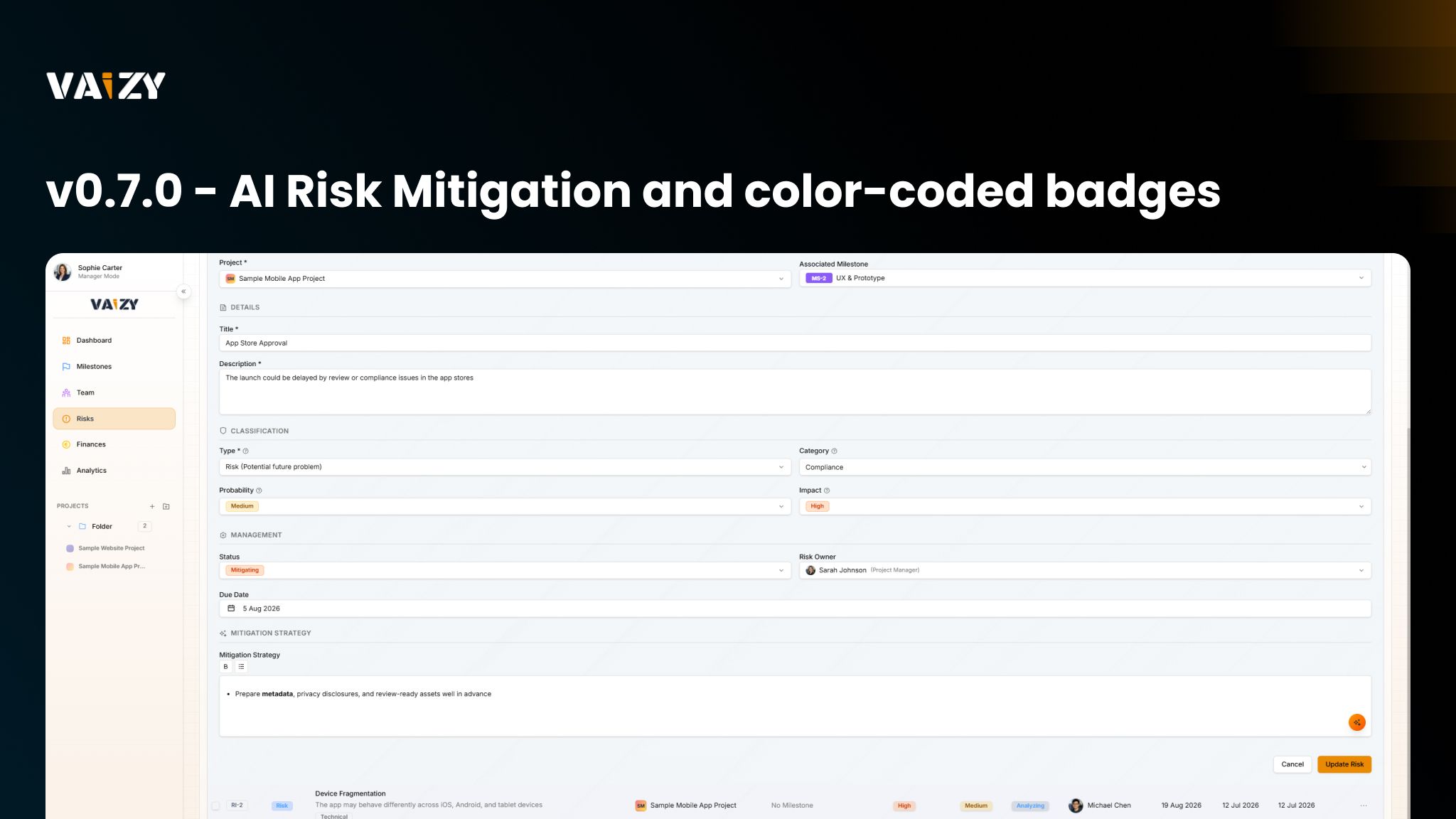
AI: AI risk mitigation button is now available in Risk forms.
AI: Data points are auto recognized when pasting or typing text in the VaizyAI chat.
Risks: Risk mitigation descriptions now support bold text and bullet lists via a lightweight toolbar (or Ctrl+B). Rich text pasted from Word or Google Docs keeps its bold and list formatting.
Risks: Kanban and Matrix cards support right-click quick actions for Edit, Duplicate, and Delete.
Milestones: Phases dynamically adjust according to set Project industry type. Users can now also add their own custom phases too.
Improved:
Projects, Milestones, Risks: Status, priority, and risk levels now display as color-coded badges everywhere they appear, instead of plain text.
Settings: Project Management shows Table and Timeline views as well as an industry filter.
Projects: A much wider industry list is available, including engineering, construction, legal, and government. Suggested milestone phases now vary based on your project's industry.
Fixed:
AI: Reopening a saved conversation now restores the project scope it was created with.
Milestones: Dragging or resizing a milestone next to another no longer snaps it onto the same start or end day as its neighbor.